Web Accessibility Audit Testing, Remediation & VPAT/ACR Evidence
You’ve probably seen them.
8/12/2026
Website
An accessibility icon sitting in the corner of a website.
A statement saying “We are fully accessible.”
Maybe even an accessibility panel with options to change colors, fonts, contrast, or text size.
But here’s the uncomfortable question:
If someone challenged that claim, could you actually prove your website is accessible?
Because accessibility is not an icon.
It’s not a widget.
And it certainly isn’t a statement on your website.
Real accessibility requires testing, remediation, validation and evidence.
Accessibility Is More Than Passing an Automated Scan
Automated accessibility tools are valuable—but they are only one part of the process.
A website can pass an automated scan and still create serious problems for people using:
Screen readers
Keyboard-only navigation
Magnification
High-contrast settings
Different color perception
Assistive technologies
That’s why our accessibility audits combine automated testing with manual accessibility testing.
We examine the actual user experience—not simply what a scanning tool reports.
We look at the things automated tools can miss
We test areas such as:
HTML and ARIA implementation
Keyboard navigation and focus order
Screen reader behavior
Form labels and error handling
Heading and landmark structure
Color contrast
Interactive elements
Focus visibility
Accessible names and descriptions
Content structure and semantics
The objective isn't simply to produce a list of errors.
The objective is to make the website genuinely more usable and defensible.
Color Contrast Is Not Just About Two Hex Codes
Contrast testing is another area where accessibility can become oversimplified.
A color combination might appear acceptable under one condition but create problems for users with different forms of color perception.
For example, imagine a design where an element appears red to one person but may be perceived differently by another user.
If that visual distinction is important to understanding or interacting with the interface, we don't simply ask:
“Does the normal color combination pass?”
We also consider how the interface communicates information when color perception changes.
Accessibility should work for the person using the website—not just for the screenshot of a contrast checker.
We Don't Stop at Finding Problems
This is where an accessibility audit should become more than a report.
A useful audit needs to tell your team:
What is wrong?
Why is it a problem?
Where is it happening?
How should it be fixed?
Has it actually been fixed?
Our remediation process documents the findings and the changes made across areas such as:
HTML
ARIA
CSS
Layout
Color
Navigation
Interactive components
Screen reader behavior
Keyboard interaction
We also provide before-and-after evidence wherever applicable, so your team can clearly see what changed.
Accessibility Evidence Matters
Imagine telling a client, regulator, procurement team or internal compliance department:
“Our website is accessible.”
The next question may be:
“Can you show us the evidence?”
That's why we create a comprehensive remediation record rather than simply saying the issues were fixed.
Depending on the project, evidence can include:
Original finding
Location of the issue
Accessibility impact
Recommended remediation
Implemented remediation
Before-and-after evidence
Code changes
HTML/CSS corrections
Validation results
Remaining limitations, where applicable
This creates a much clearer audit trail.
And Then Comes the ACR / VPAT Documentation
For organizations that require formal accessibility documentation, the process can go further.
We provide the documentation needed to communicate accessibility conformance, including an Accessibility Conformance Report (ACR) and, where applicable, a VPAT-based report.
The report can document:
What the product or website supports
What it does not support
What is partially supported
Applicable accessibility criteria
Findings and remediation status
Supporting evidence
Professional signoff, where applicable
This turns accessibility from a vague statement into documented evidence of what was tested and what was found.
The Difference Between an Accessibility Widget and an Accessibility Program
An accessibility panel can be useful.
But it shouldn't be confused with accessibility remediation.
Changing a font size or color through a widget doesn't automatically fix:
Incorrect ARIA
Broken keyboard navigation
Missing form labels
Incorrect heading hierarchy
Poor focus management
Inaccessible interactive components
Screen reader issues
Invalid HTML
Structural accessibility problems
A widget can change the interface. It cannot magically repair the underlying website.
Real accessibility starts with the website itself.
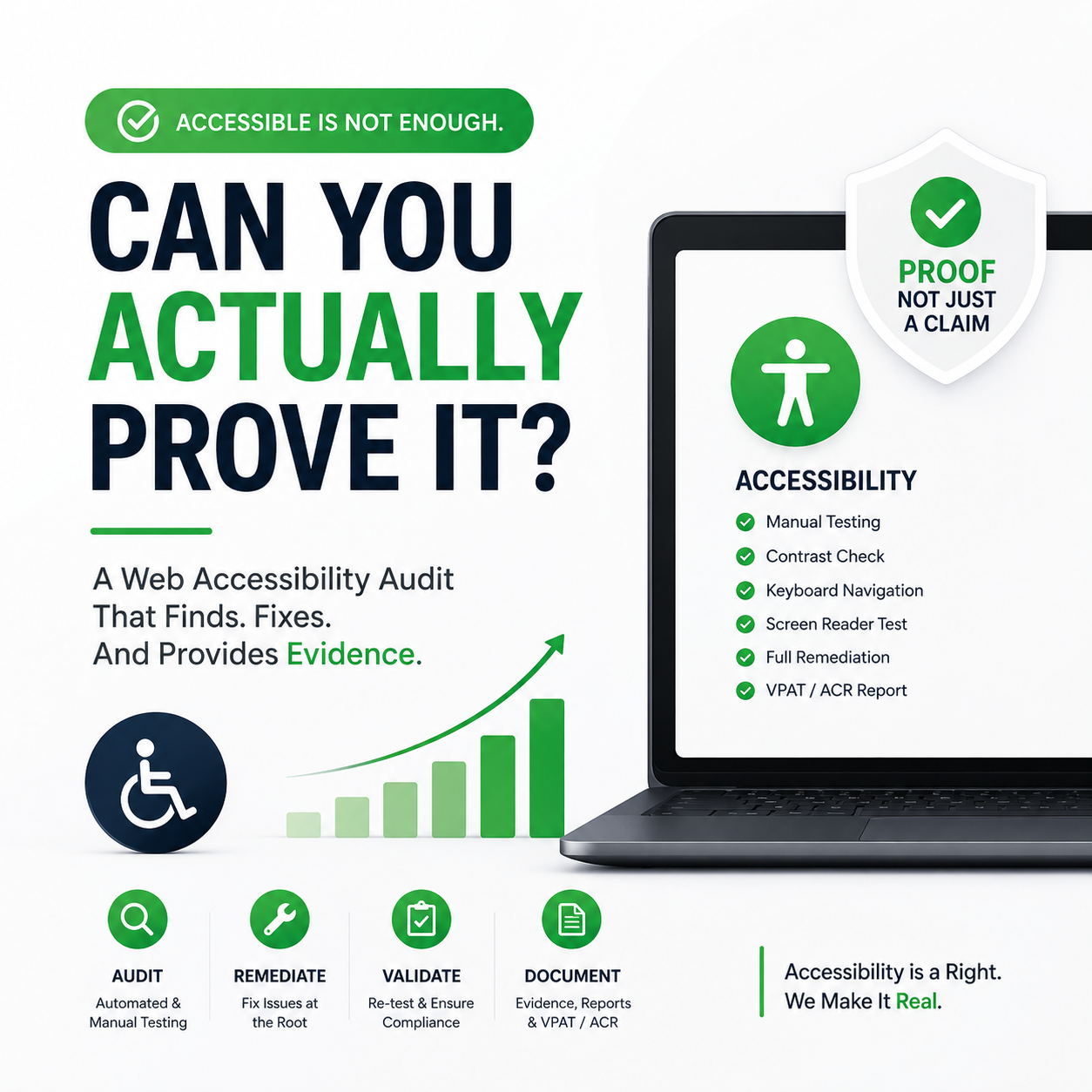
Our Approach: Audit → Remediate → Validate → Document
We keep the process straightforward.
1. Audit
We combine automated and manual testing to identify accessibility issues.
2. Remediate
We work through the findings and address the underlying HTML, ARIA, CSS, layout and interaction problems.
3. Validate
We test the changes again, including keyboard, screen reader, contrast and other applicable accessibility requirements.
4. Document
We provide remediation evidence and accessibility documentation so your organization has a clear record of the work performed.
The result isn't simply:
“Your website passed a scan.”
It's a much stronger position:
“Here is what we tested, what we found, what we fixed, how we validated it, and what the evidence shows.”
Accessibility Should Be Something You Can Demonstrate
If your website currently has an accessibility statement or accessibility panel, that's a good starting point.
But ask yourself one question:
If someone asked you to prove your accessibility claim tomorrow, would you have the evidence?
If the answer is no, your website may need more than an accessibility widget.
It may need a proper accessibility audit, remediation and documented validation process.
Need to understand where your website actually stands?
[Talk to us about a Web Accessibility Audit →]
We can assess your website, identify accessibility barriers, guide remediation and provide the documentation and evidence needed to demonstrate the work performed.